Field documentation for signage and retail rollout teams.
Capture scope. Capture evidence. Ship a structured PDF report the client can use. One mobile workflow for installers, project managers, and crews working on someone else's site.
Origin
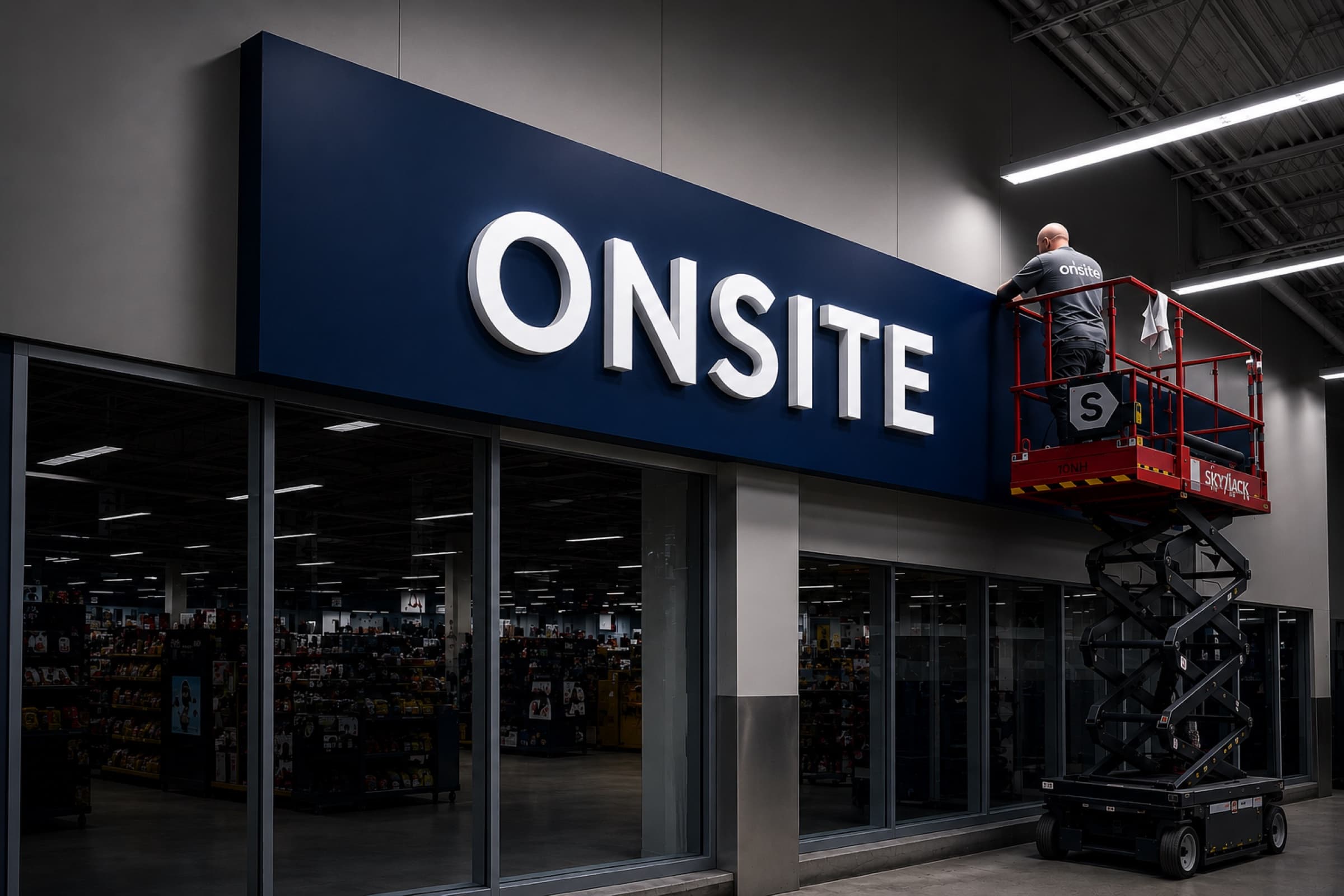
Built from the field, not a conference room.
Onsite was created after years of coordinating site surveys, installations, deficiencies, closeouts, and multi-location rollout programs.
Every workflow, status, capture type, and report section comes from real field work.
Nothing was designed in isolation. Every screen exists because someone in the field needed it.
If a feature doesn't save time on site or improve the final deliverable, it doesn't ship.
The deliverable
One report. Every photo, measurement, and note from the visit.
Every project ships as a structured PDF — cover page, project summary, photo galleries by category, measurement annotations, checklist sign-off. Email-friendly file size. The same artifact your client receives, every job.
Project 24-103
Site survey — downtown location
Prepared 16 May · 47 captures · 3 measurements
- Cover & summary1 pg
- Site conditions3 pgs
- Photo gallery9 pgs
- Measurements2 pgs
- Completion & sign-off2 pgs
The problem
Most install reports are still built manually.
Field teams move fast — the documentation rarely keeps up. The same broken workflow plays out on every rollout.
Texts
Photos lost in iMessage
WhatsApp groups
Scrolling for context
Dropbox folders
Inconsistent naming
Email attachments
Compressed photos
Paper checklists
Never make it back
Missing photos
Recap calls at 6pm
Excel reports
Hours of manual formatting
Manual PDFs
Built the day after the job
Onsite centralizes everything — scope, photos, measurements, checklists, and reports — into a single mobile workflow.
How it works
One workflow, end to end.
Step 01
Build Scope
Pick the client and store. Set the scope items and checklist for what needs to happen on site.
Step 02
Assign Crew
Send the job to your installer. They open a session with the full scope, checklist, and reference docs.
Step 03
Capture On Site
Installer takes photos, measurements, and completion shots, then ticks off each scope item as it's done.
Step 04
Review & Deliver
Review the submission, request revisions if needed, then accept. Export the structured PDF report in one tap.
Inside the app
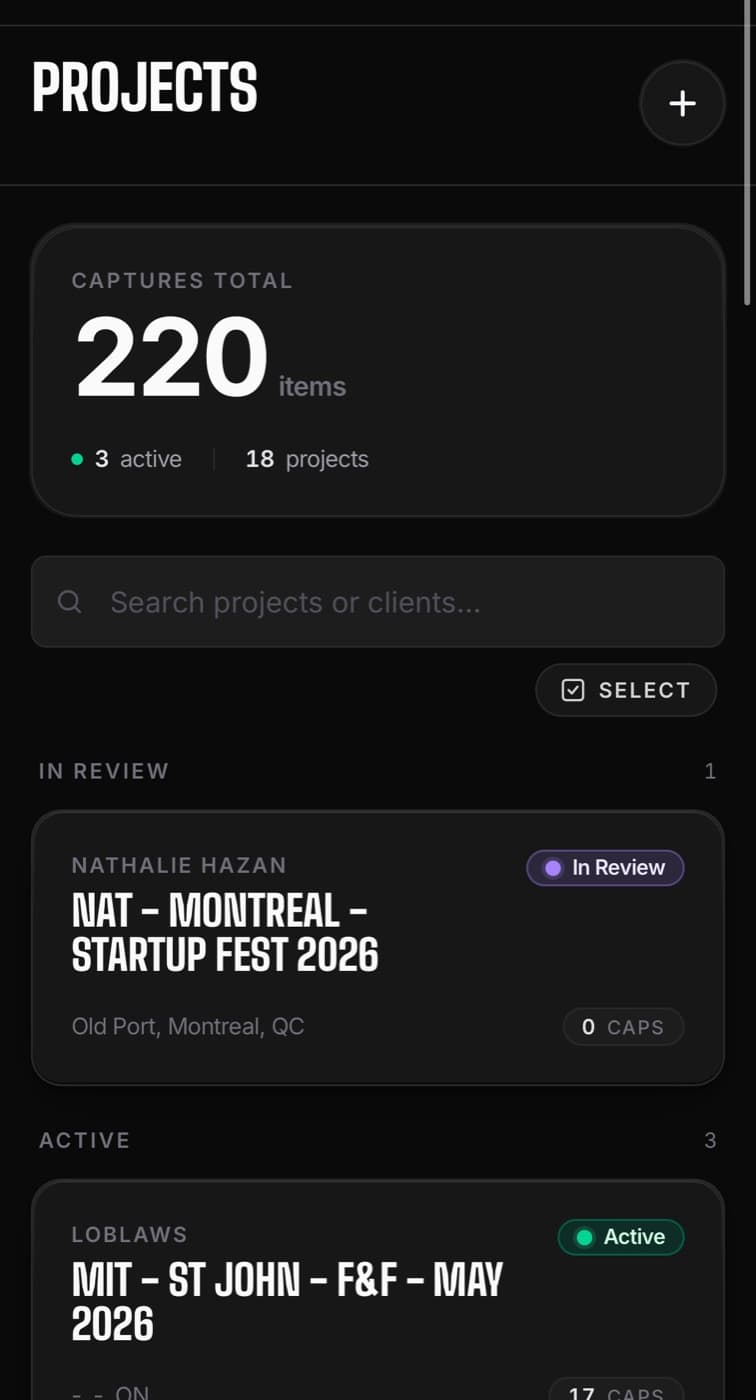
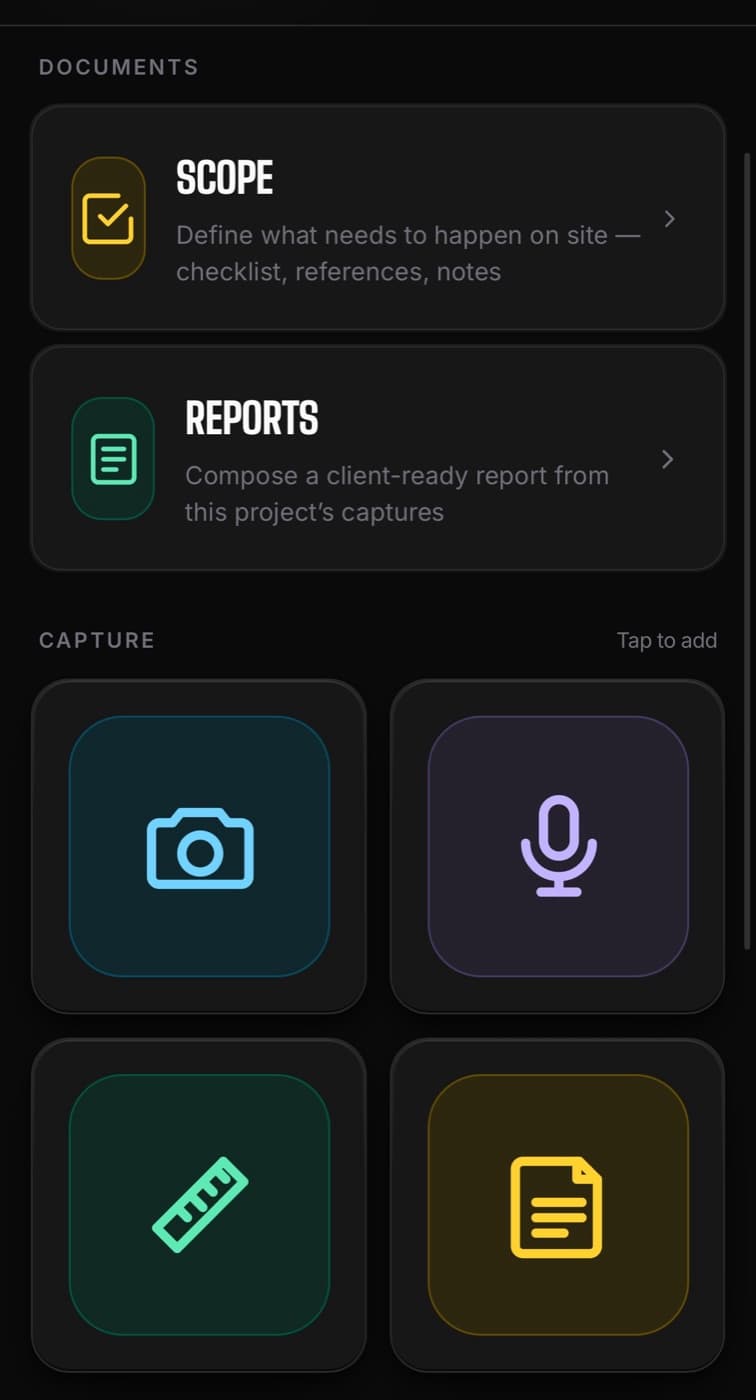
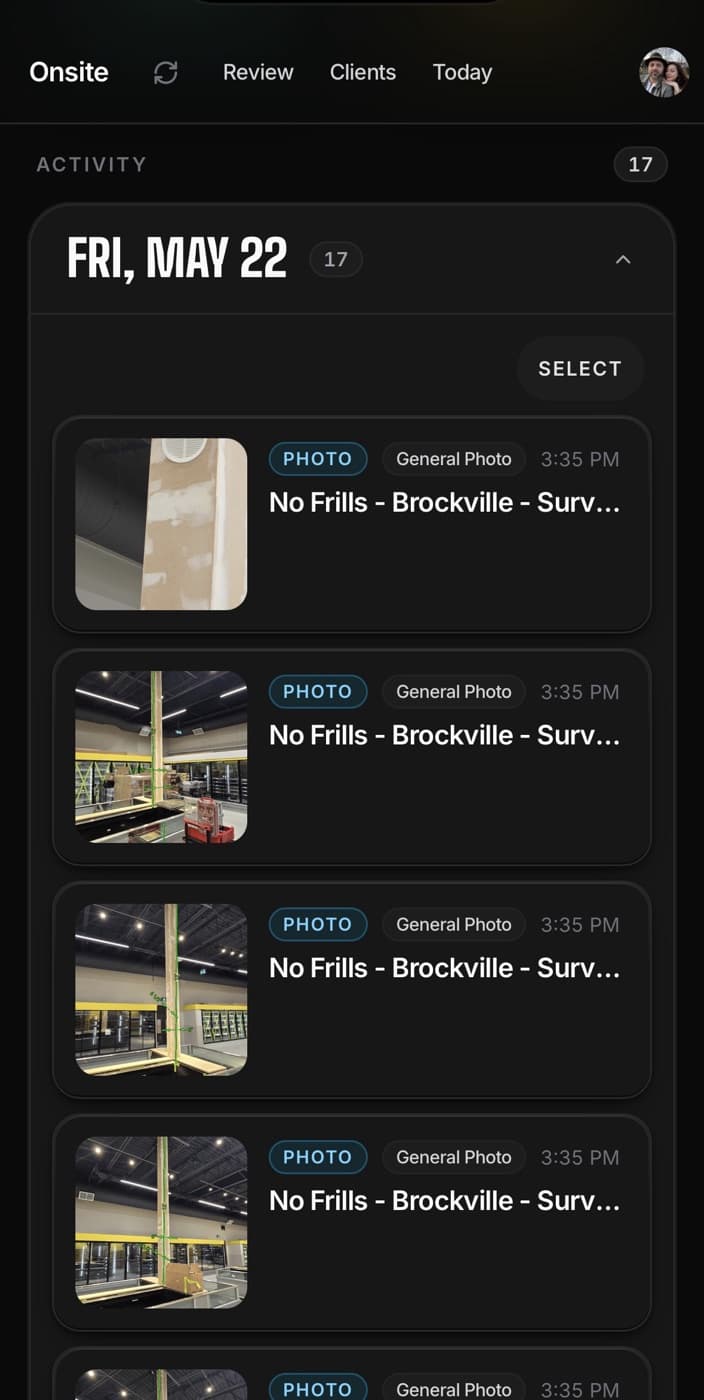
Mobile-first, designed for the field.
Large tap targets, clear status, no menus to dig through. The app shows you what to do next and gets out of the way.
What's inside
Built around the actual flow of a job.
Three blocks: capture, workflow, deliverables. Every screen exists because someone in the field needed it.
Capture
What happens on site, recorded without friction.
Photos
Tagged by category as you shoot — site issue, deficiency, completion. Sorted for the report automatically.
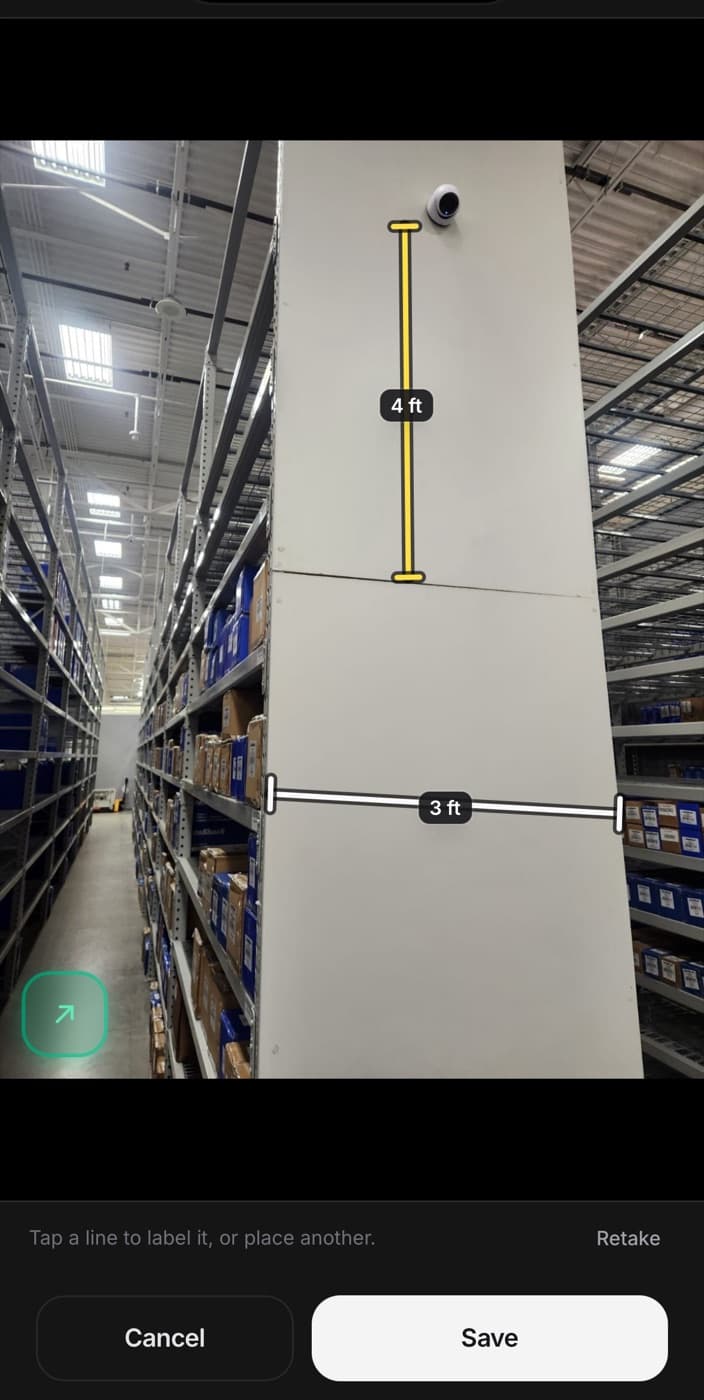
Measurements
Tap a photo to drop a measurement annotation. Works with gloves, in direct sun.
Voice notes
Hold to record a voice note against the visit. For when typing on site is too slow.
Workflow
How the work moves from manager to installer to ready.
Scope builder
Set the checklist, placement notes, methods, and reference docs. The installer opens the same brief on site.
Assignments
Send a job to the right installer. They get a session with the full scope and reference docs.
Review and revisions
Accept the submission or send it back with a note. The installer sees the note as a callout, top of the job.
Deliverables
What gets shipped to the client when the work is done.
Structured PDF reports
Cover page, project summary, photo galleries by category, measurement annotations, sign-off. Ready to send.
Revision-tracked
Every revision is recorded against the original submission. Nothing gets lost between visits.
Batch project handoff
Export every photo, report, and note for a project — or a batch of projects — as a single ZIP.
Who it's for
If your team works at someone else's location, Onsite was built for you.
Signage Companies
Wall graphics, vinyl, decals, fixtures. Surveys today, installs tomorrow, reports the day after.
Retail Rollout Teams
Multi-store national programs. Track every location, every visit, every photo through one workflow.
Survey Providers
Site survey crews capturing measurements, obstructions, access, and existing conditions for downstream installs.
Installation Contractors
Subs working for larger signage, fixtures, or fit-out companies. The completion report is what closes the job.
Facility Maintenance
Recurring service visits across retail or commercial portfolios. Every visit logged, photographed, signed off.
Field Service Organizations
Any team where evidence-of-work matters and the report is the deliverable.
What makes Onsite different
Replace five tools with one.
Traditional
- Job photos scattered across the camera roll
- A separate measuring app, then screenshot the result
- Site coordination in messaging threads
- Photos and updates buried in email chains
- Reports stitched together at the office the next day
Onsite
- Categorized photo capture — site issue, deficiency, completion
- Mark up and annotate photos right on device
- Tap-to-place measurements on any photo
- Voice and text notes recorded against each visit
- Checklist gates submission — nothing half-done leaves the field
- Manager review with required revision notes
- Auto-generated branded PDF reports
- Batch download every project's photos and reports as a ZIP
Stop chasing photos and building reports manually.
Onsite is in early access. Tell us about your team and we’ll set you up before your next install.